

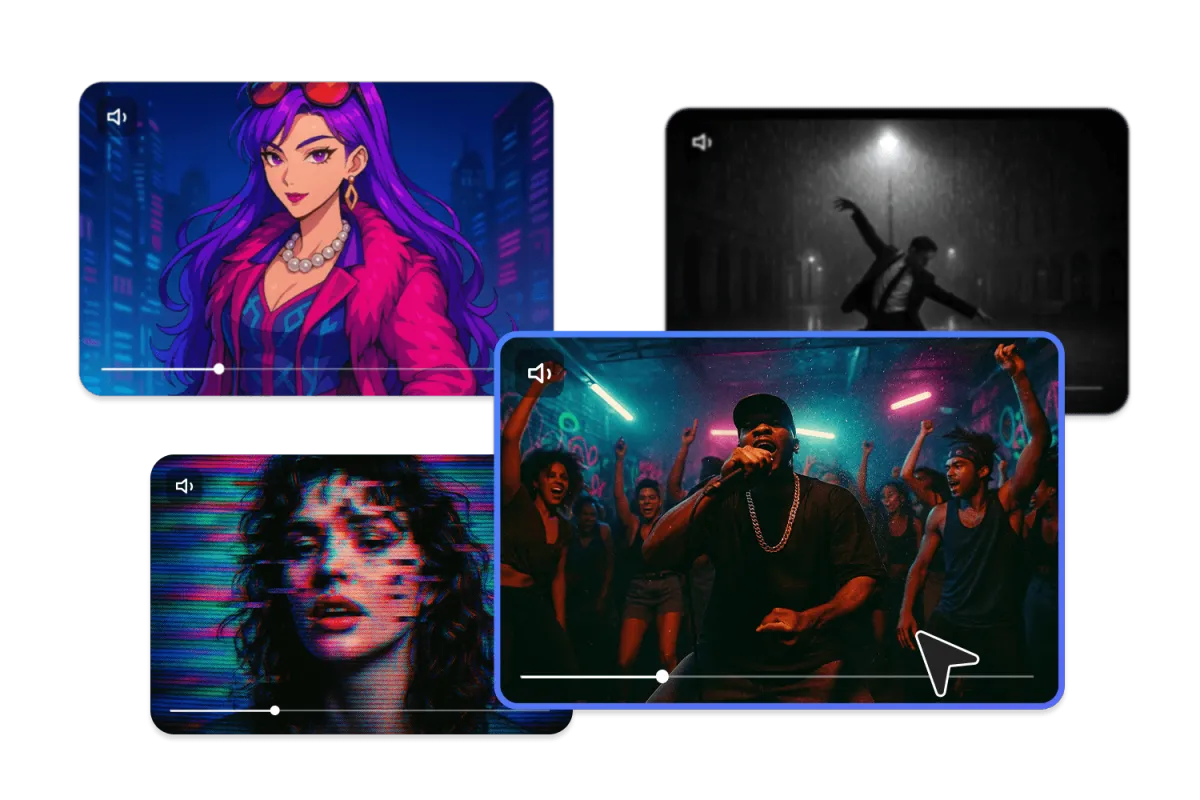
Artificial intelligence has revolutionized the way we create, edit, and publish digital content. From automated editing to real-time effects, AI is transforming video creation into something anyone can do—regardless of skill or experience. Two tools leading this revolution are the AI music video generator and free AI video generator platforms. These tools allow you to turn songs, lyrics, text, or ideas into visually appealing videos within minutes.
Whether you’re an independent musician, content creator, marketer, or simply someone who wants to enhance social media posts, this guide explains everything you need to know about AI-powered video creation.
What Is an AI Music Video Generator?
An AI music video generator is a tool that uses machine learning, deep learning, and audio analysis to convert sound into visually synchronized video content. It studies your music track, its tempo, rhythm, mood, and frequency to automatically create visuals that move in sync with the beat.
These tools eliminate the need for expensive editing software, manual animation, and hours of labor-intensive production. Instead, all you need to do is upload your audio, choose a style, and the AI does the rest.
AI music video generators are especially popular among:
- Independent artists releasing new songs
- Producers posting beat videos
- YouTubers creating dynamic intros
- Spotify Canvas creators
- Social media influencers
- Digital marketers running video campaigns
The best part? The videos look professional even if you’ve never edited a video in your life.
How an AI Music Video Generator Works
AI-based music video tools rely on several technologies, including sound recognition, motion mapping, and visual style algorithms. Here’s a basic breakdown of the process:
1. Audio Upload and Analysis
You begin by uploading your audio file—MP3, WAV, or any supported format. The AI scans the track for rhythm, beats, and energy levels.
2. Mood and Style Detection
The system identifies whether the music is calm, upbeat, emotional, aggressive, or futuristic. This influences the visual theme.
3. Visual Generation
Based on the song’s tone, the AI produces predefined or custom-made visual elements such as:
- Animated shapes
- Cinematic scenes
- Beat-synced transitions
- 3D environments
- Motion effects
4. Preview and Customization
Most platforms allow you to tweak settings like colors, motion speed, and visual style.
5. Final Export
Once satisfied, you download the final video and publish it anywhere—YouTube, Instagram Reels, TikTok, or Spotify Canvas.
This end-to-end process takes just a few minutes compared to hours or days of manual editing.
What Is a Free AI Video Generator?
A AI video generator free is a tool that lets you create videos from text, images, or audio at no cost. These platforms are designed for people who want quick, simple, and polished video results without paying for premium features.
With a free AI video generator, you can:
- Create TikTok or Instagram videos
- Produce marketing clips
- Turn blog content into videos
- Make educational presentations
- Generate YouTube content
- Build promotional ads
These tools often include free templates, AI-driven animations, stock footage, and automated editing.
Benefits of Using AI Video Generators
AI video technology offers several game-changing advantages:
1. Time Efficiency
Traditional video editing takes hours or even days. AI cuts this down to minutes.
2. Cost Savings
Hiring video editors or buying expensive software can be costly. Many AI tools offer free versions with impressive features.
3. Professional Results
With pre-designed templates and intelligent animation tools, even beginners can produce visually appealing videos.
4. Easy Customization
These tools allow you to personalize everything—fonts, colors, animations, transitions, and more.
5. Multi-Platform Compatibility
AI-generated videos can be exported in sizes suitable for YouTube, Instagram, Facebook, TikTok, and websites.
6. Creative Freedom
You can experiment with endless visual options—from 3D scenes to neon effects—without needing technical skills.
How to Create a Music Video Using AI (Step-by-Step Guide)
Making a music video with AI involves just a few simple steps:
Step 1: Prepare Your Audio
Ensure your track has clean sound and proper mixing for the best results.
Step 2: Select an AI Music Video Tool
Choose a platform like Kaiber, Rotor, or Runway based on your style needs.
Step 3: Upload Your Song
Drag and drop your audio file into the platform.
Step 4: Choose a Visual Style
Pick from themes like:
- Neon
- Cyberpunk
- Anime
- Abstract
- Cinematic
- 3D animation
Step 5: Customize Settings
Adjust colors, motion, transitions, or camera angles if available.
Step 6: Generate and Review
Let the AI create your visuals, then tweak anything you want.
Step 7: Download and Share
Export the final video and upload it to your preferred platform.
Tips for Creating Better AI-Generated Videos
To get the best results from your AI video generator, keep the following tips in mind:
- Use high-quality audio for accurate beat detection.
- Choose visual styles that match the song mood to maintain consistency.
- Avoid too many effects if your music is slow or emotional.
- Experiment with multiple styles to find the perfect match.
- Add captions or lyrics for enhanced engagement on social media.
- Always preview before exporting to ensure the visuals align with the beat.
These small adjustments can make your AI music video look significantly more professional.
Who Should Use AI Video Generators?
AI video tools are ideal for:
- Musicians and producers
- Video editors seeking quick drafts
- Digital marketers
- Educators
- Social media influencers
- YouTube creators
- Small business owners
Anyone who wants professional video content without spending much time or money can benefit from these tools
Final Thoughts
AI music video generators and free AI video generators are transforming video creation. They open doors for beginners, help professionals speed up their workflow, and allow creators to experiment with new styles without technical limitations.
Whether you’re producing a music video, marketing campaign, or social media clip, AI tools make the process faster, easier, and more accessible. With the right platform, you can turn any idea—or audio track—into a visually stunning video within minutes.
